February 9, 2021
In
Tips and Advice, Work
By
tamia
For a lot of entrepreneurs, goal setting is the easy part. It's taking the actions that get you to your goals that can be a challenge. This tip will help you make progress on anything you want to do.
The whole point of building your personal brand is because people need to know, like and trust YOU.
Building your personal brand is easier than all the programs and experts make it seem. Here's what to do in three easy(ish) steps.
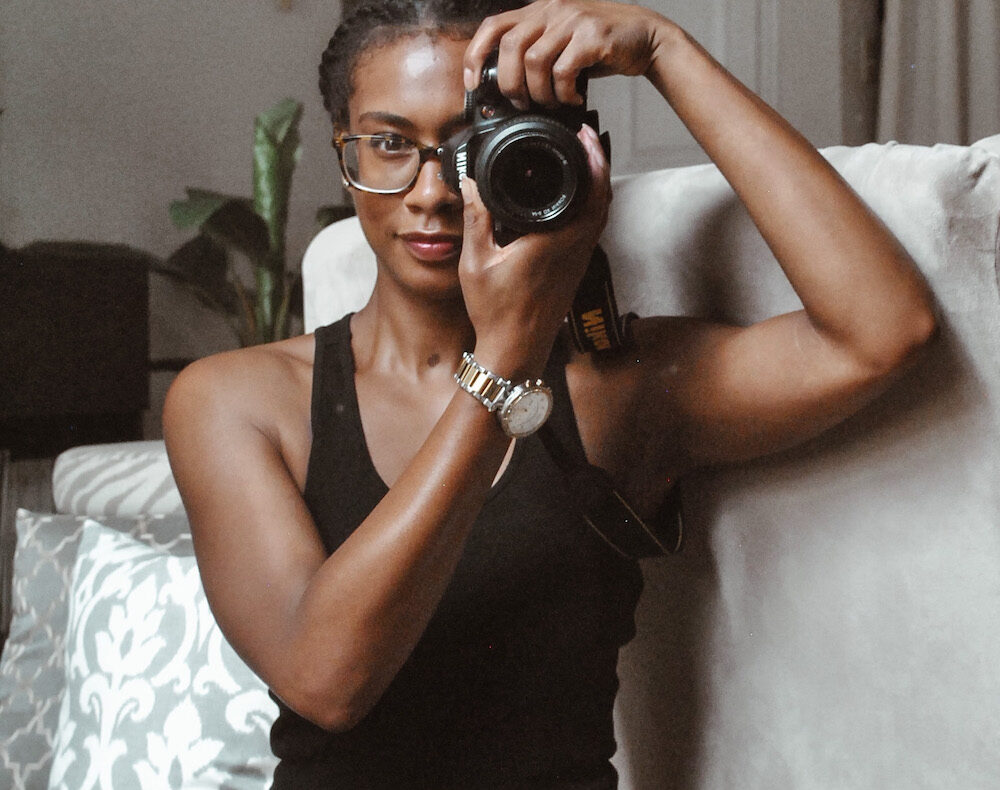
Good photography is key to building a stylish personal brand. Here's how entrepreneurs can do their own DIY photo shoot at home.
I know you have an interesting idea or project you've been sitting on, you genius.
But sitting on an idea like a mother hen waiting for her eggs to hatch is not the way to make it a reality. Making your ideas happen requires action, so sit down and take 10 minutes to do just ONE of these things.